Survive 7 Days In Desert Survival Tools & Checklists
Practical text tools that turn desert priorities into repeatable daily actions.
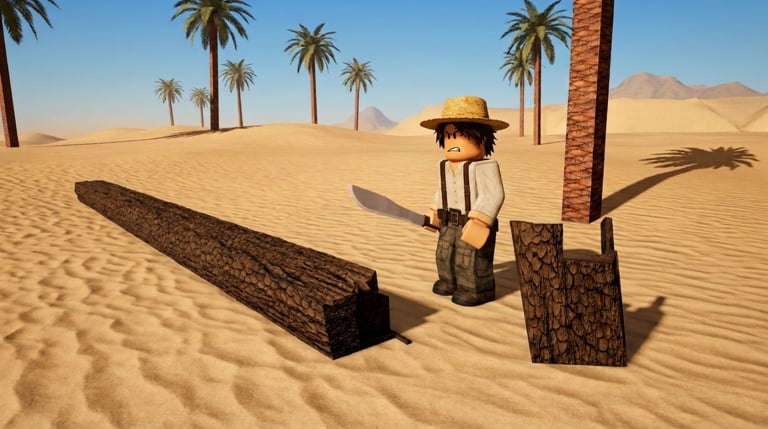
Not every “tool” on a game wiki needs to be a Javascript calculator. For Survive 7 Days In Desert, the highest-value helper is a practical survival checklist you can run with a co-op lobby day after day. This Tools Hub introduces that checklist and explains how to combine it with guides and tier lists so your camp still stands when the Day 7 camel rescue arrives. Christos Studios’ desert loop is simple to describe and easy to forget under heat pressure — tools exist here to make the forgettable parts visible.
Featured tool
Survival Checklist
A text-based, day-oriented punch list covering wood, camp, purified water, heat discipline, co-op roles, and late-week rescue prep. It is designed for servers with up to 25 players and for solo-minded players who still share public lobbies. Print it mentally, paste it into party chat, or tick items as you play — no shady executable required.
Open the checklist: Survival Checklist.
The checklist mirrors the week’s arc: Days 1–3 build the floor, Days 4–5 grow capacity without dropping pillars, and Days 6–7 convert surplus into camel rescue readiness. Each block ends with a failure-review prompt so wipes become coaching notes instead of vague blame.
Why a checklist beats vibes
Survive 7 Days In Desert punishes forgotten basics. Lobbies wipe because everyone chopped palms while purification sat idle, or because heat calls never happened. A checklist externalizes S-tier priorities from the Tier List Hub:
- Purified water uptime
- Shade and camp structure
- Heat-aware movement
- Palm wood flow for repairs
- Staged prep for camel rescue
When arguments start, point at the list instead of rewriting strategy from scratch every session. Public lobbies especially benefit: strangers can align on five tokens faster than on a speech.
How to use tools with guides
- Read Getting Started once.
- Skim Early Priorities before Day 1.
- Run the Survival Checklist at the end of each in-game day.
- Deep-dive failures with Purify Water, Survive Heat, or Build Camp.
- Pace the full week with Day by Day when your lobby wants a narrative plan.
- Recheck Updates after patches so checklist timing still matches WIP tuning.
The checklist will not invent systems the game does not have. It only sequences the verified loop: chop palms, build camp, purify water, survive heat, reach Day 7. If a checkbox fails twice, the answer is almost always a guide reread — not a louder argument in chat.
What this hub will not host
- Fake code generators (see Codes — none yet)
- Script executors or loadstring pads (see Scripts)
- Unverified Discord bots claiming automatic desert clears
- Downloads outside Roblox
If a future tool makes sense — for example a printable role card set or a short rescue-day callout sheet — it will stay text-first and safe. We would rather ship fewer honest helpers than a pile of gimmicks that put accounts at risk.
Co-op workflow
On PC or mobile (Controls Hub):
- Nominate a “checklist lead” for the session.
- At day boundaries, the lead reads unfinished S-tier boxes aloud.
- Reassign water or wood if someone disconnects.
- On Day 6–7, shift leftover capacity toward Camel Rescue prep without dropping water.
- After the run, spend thirty seconds naming the first failed box so the next attempt starts smarter.
This turns a 25-player crowd into something closer to a crew. Mobile players can still lead — touch controls differ, checklist language does not.
Pairing with resource rankings
When the checklist says “stock wood” or “verify water,” interpret quantities through Resources. Purified water and installed shade outrank cosmetic stockpiles. The tool tells you when to check; the resources page tells you what is worth counting. Early-week bias stays with Early Priorities so Day 1 does not look like Day 6.
WIP note
The experience launched 27 July 2026 and continues to update (activity around 20 September 2026). Checklist wording stays intentionally plain so a UI rename does not obsolete the whole page. If Christos Studios changes a fundamental system, we will adjust the tool and call it out on Updates. Until then, treat the checklist as durable process documentation for a living Roblox survival service.
Official play links remain on the Links Hub — Roblox game page and Christos Studios group only.
Bottom line
Start at the Survival Checklist, keep guides one tab away, and treat this Tools Hub as the home for practical, non-malicious helpers. The desert already provides enough challenge — your tools should reduce forgotten chores, not your account security.
Frequently Asked Questions
Quick answers to the most common desert survival questions.
What tools are available right now?
The main tool is the Survival Checklist — a practical day-by-day text checklist for wood, water, heat, camp, and rescue prep.
Is the checklist a downloadable app?
No. It is on-site guidance you can follow or copy into chat. Avoid third-party executables claiming to automate the desert.
How often should I run the checklist?
At least at the end of each in-game day, and again after major patches that might change timings.
Does the checklist replace the guides?
No. It sequences priorities; guides teach the systems behind each checkbox.